This post was written as part of the Kiroween 2026 hackathon. It is my entry for the Costume Contest category, and it covers both the app and how I used Kiro to build it.
The idea: fear that tells you what is urgent
Most to-do apps show a deadline as a date. You read it, do the math, and forget it.
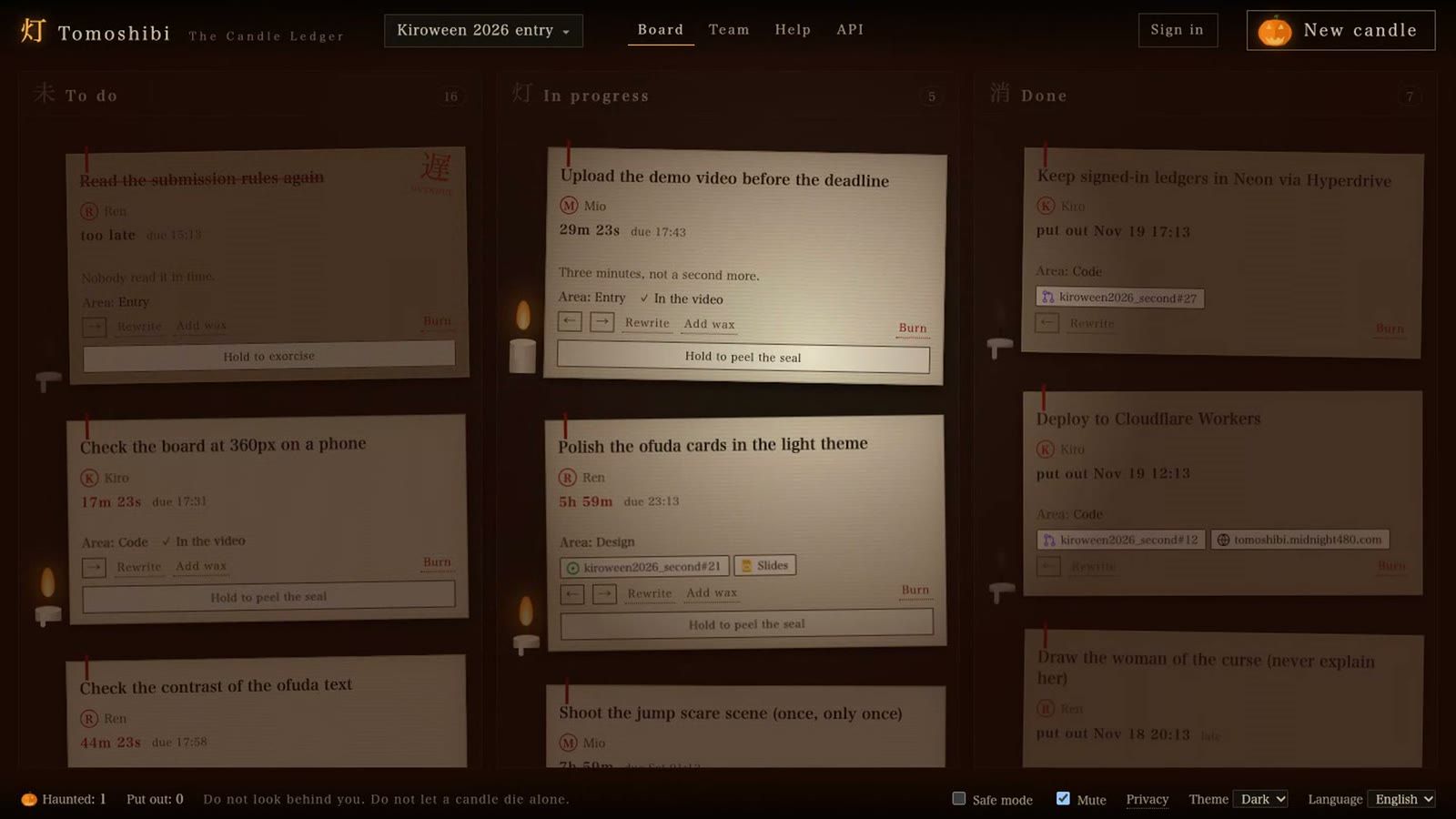
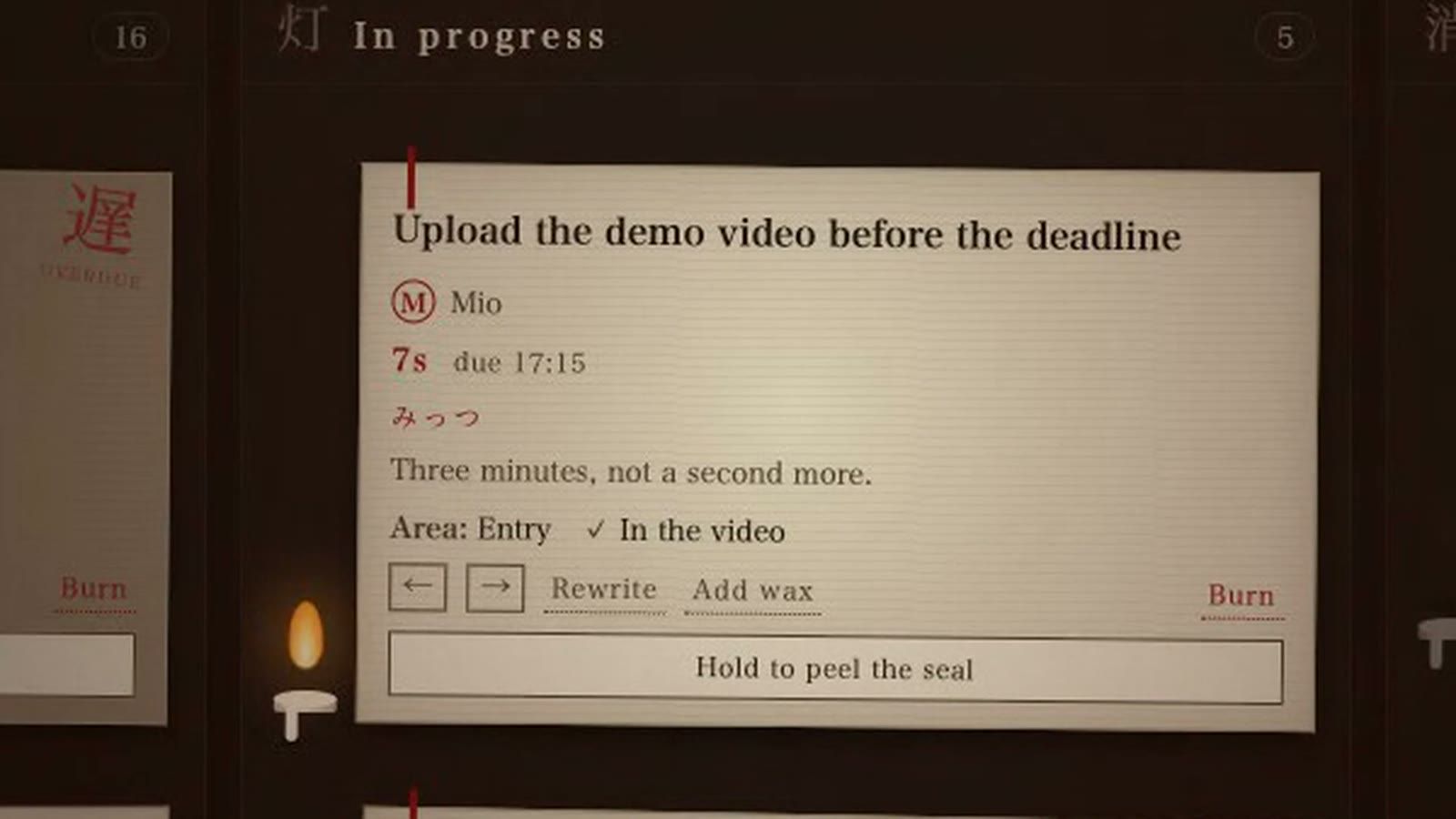
灯 Tomoshibi: The Candle Ledger shows every deadline as a candle. When the task is created, the candle is full. As the deadline gets closer, it burns down. You do not need to read anything to know which task is about to run out.
The Costume Contest asks for "a haunting user interface" with "spooky design elements that enhance your app's function." I took the second half seriously. My rule was: every scary thing must help you manage your tasks. If an effect only looked spooky, it did not go in.
I also chose Japanese horror rather than Western horror. Japanese horror is mostly quiet. Nothing jumps at you. A shadow moves at the edge of a paper screen, and when you look, it is gone. That fits a to-do app well, because you have to work in it every day.
- Live app: https://tomoshibi.midnight480.com
- Demo video: https://www.youtube.com/watch?v=HBzIx7RDnes
- Source code: https://github.com/midnight480/kiroween2026_second
How the horror helps the work
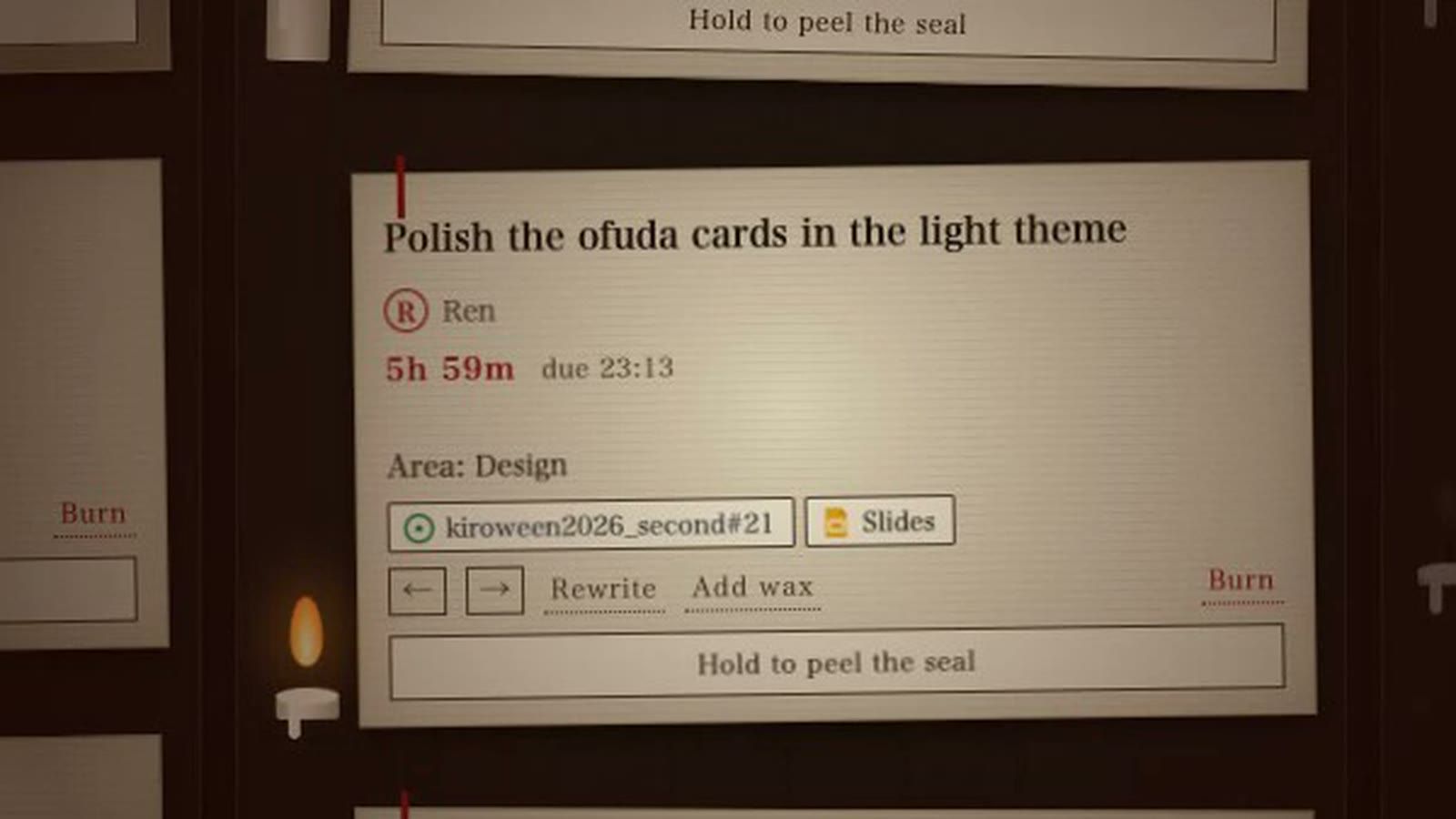
Each task is written on an ofuda, a paper talisman from a shrine or temple. In Japanese horror, an ofuda seals something away, and peeling it off lets that thing out.
| Japanese element | What it means in Japan | What it does in the app |
|---|---|---|
| Candle (灯, tomoshibi) | A small light in the dark | The time left. It burns down as the deadline gets closer. |
| Ofuda (御札) | A paper talisman that seals evil away | Each task. To finish it, you press and hold to peel the seal, so nothing is completed by an accidental click. |
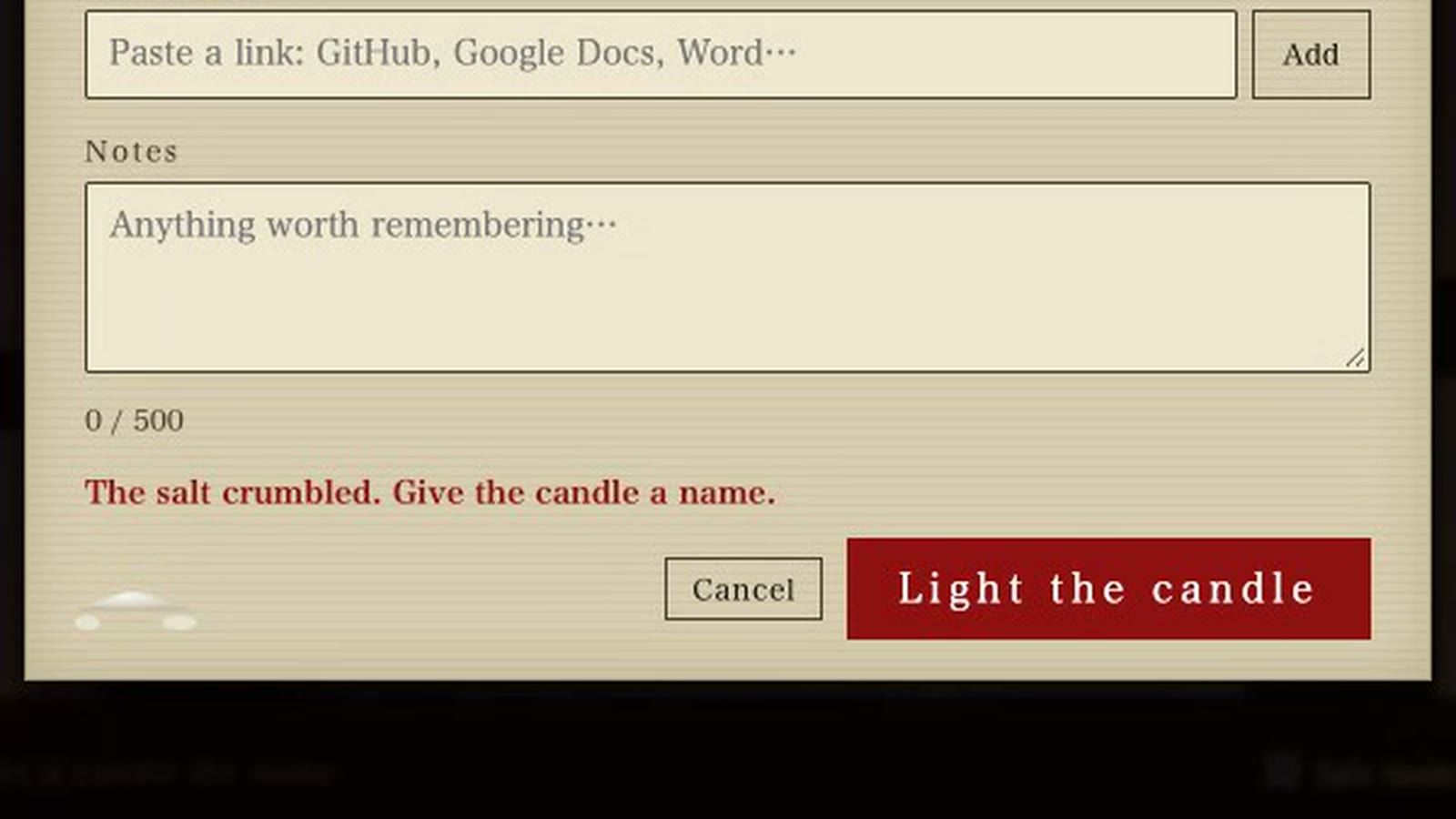
| Mori-shio (盛り塩) | A small cone of salt at the door that keeps unwanted things out | Form validation. If you leave the title empty, the salt crumbles and tells you what is missing. |
| Kehai (気配) | Feeling that someone is there without seeing them | Very rare, quiet signs: a shadow passing, a card shifted slightly. They come about once every 20 to 55 seconds, and they remind you that the board is alive. |
| Kazoe-uta (数え歌) | A children's counting song, often used in Japanese horror | In the last ten seconds of a candle, a counting song is written on the card: hitotsu, futatsu... |
| 遅 (oso, "late") | A red seal, like a stamp | An overdue task gets this seal. In the English UI, it also says "overdue". |
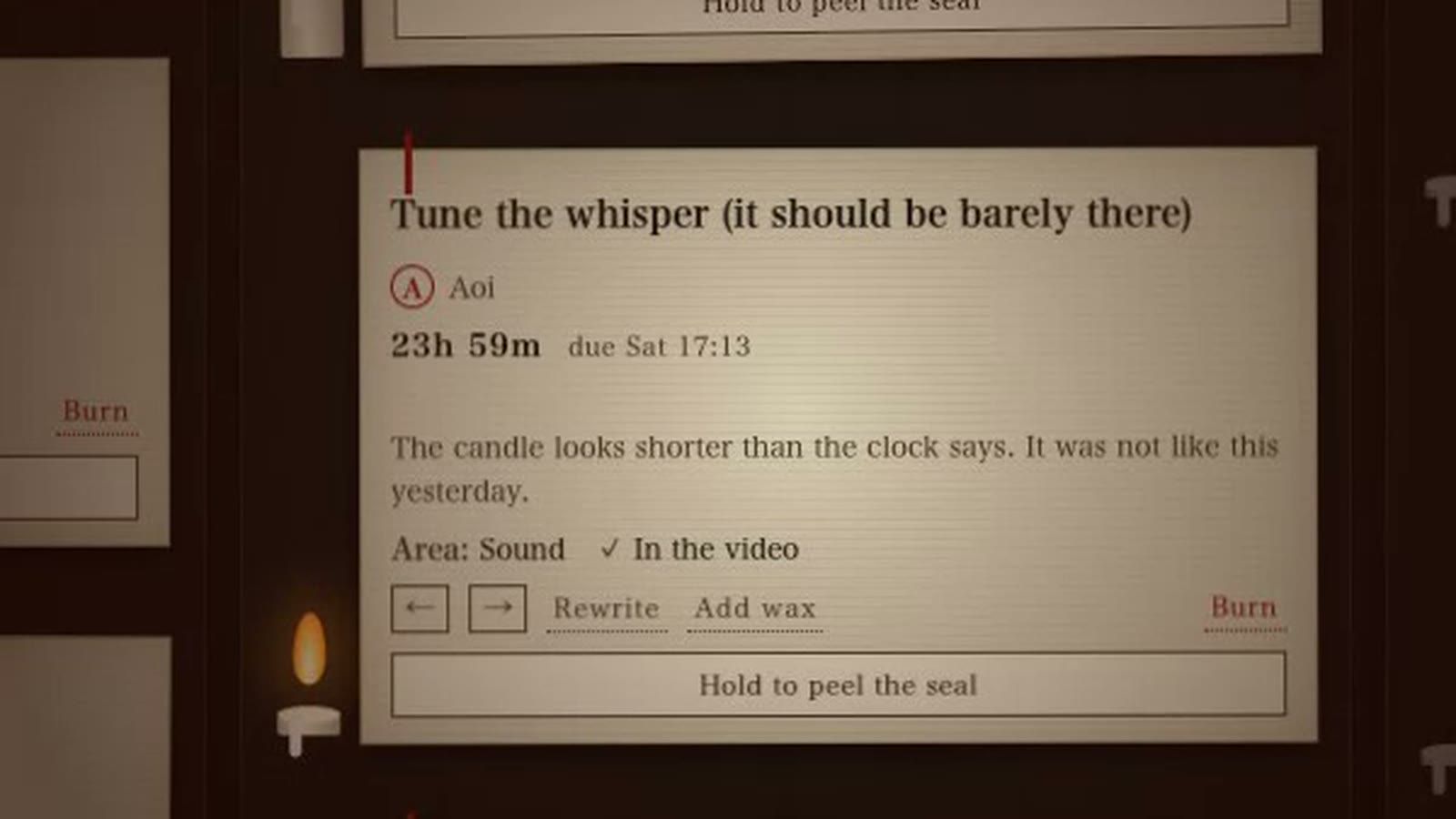
Some candles look shorter than their clock says. Something has been eating the wax. This is the punishment after a missed deadline: the nearest candle is shortened, so the next task feels more urgent. It is only visual. The real deadline (due) never changes, so the app never lies about your data.
One jump scare, and only one
There is exactly one loud moment in the app. When a candle burns out, the curse plays: the screen goes dark, blood runs down, and a woman comes closer. Then the board comes back, and the task carries the 遅 seal.

Each task can trigger the curse only once. I never explain who the woman is. In Japanese horror, the unexplained is the scary part.
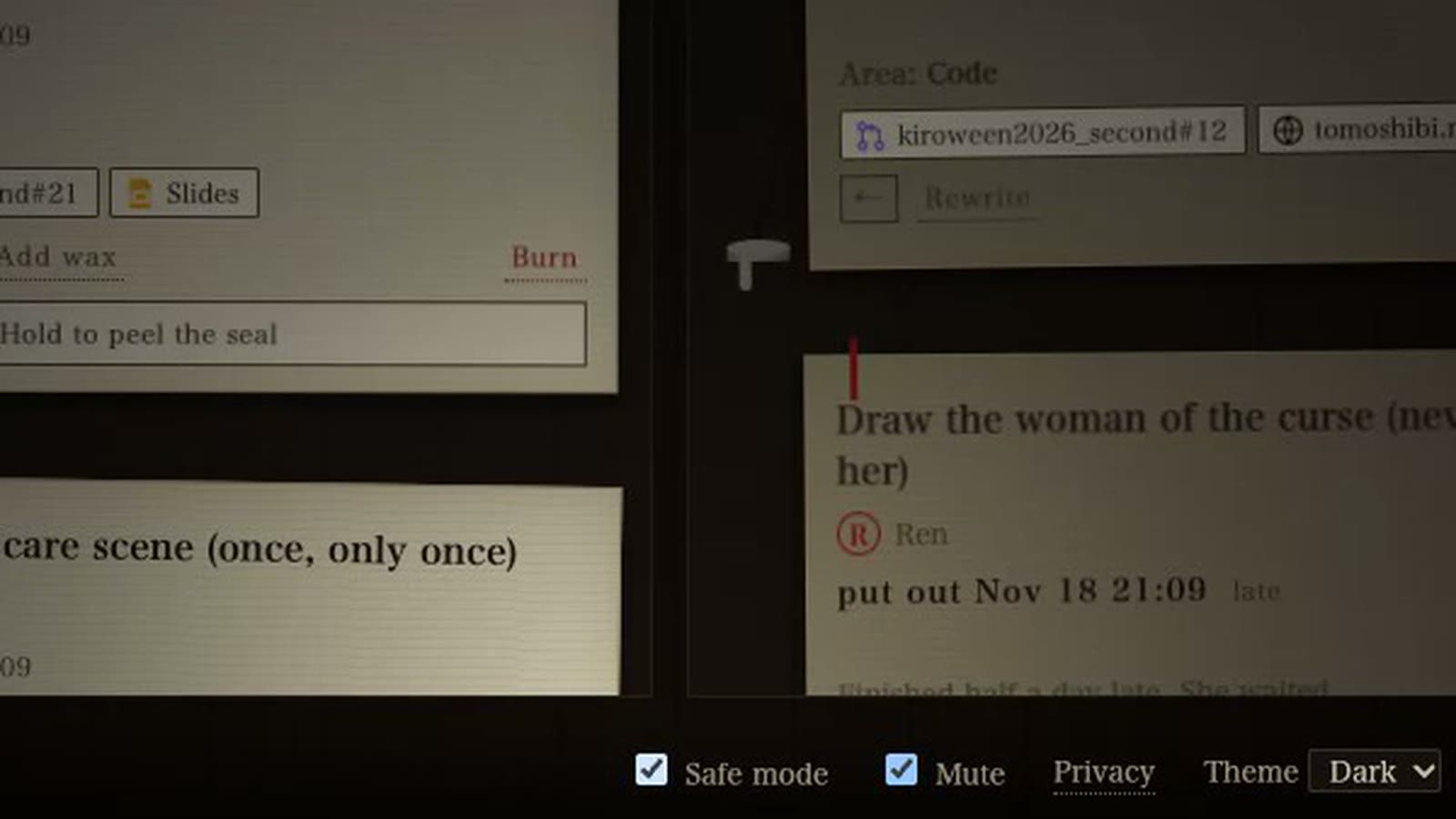
Because this is a real tool, every effect can be turned off. Safe mode removes the flashes, the figures and the woman, and the same information is shown with text and color. Mute turns off the sound, and nothing is lost, because every sound also has a visual. The app also respects prefers-reduced-motion.
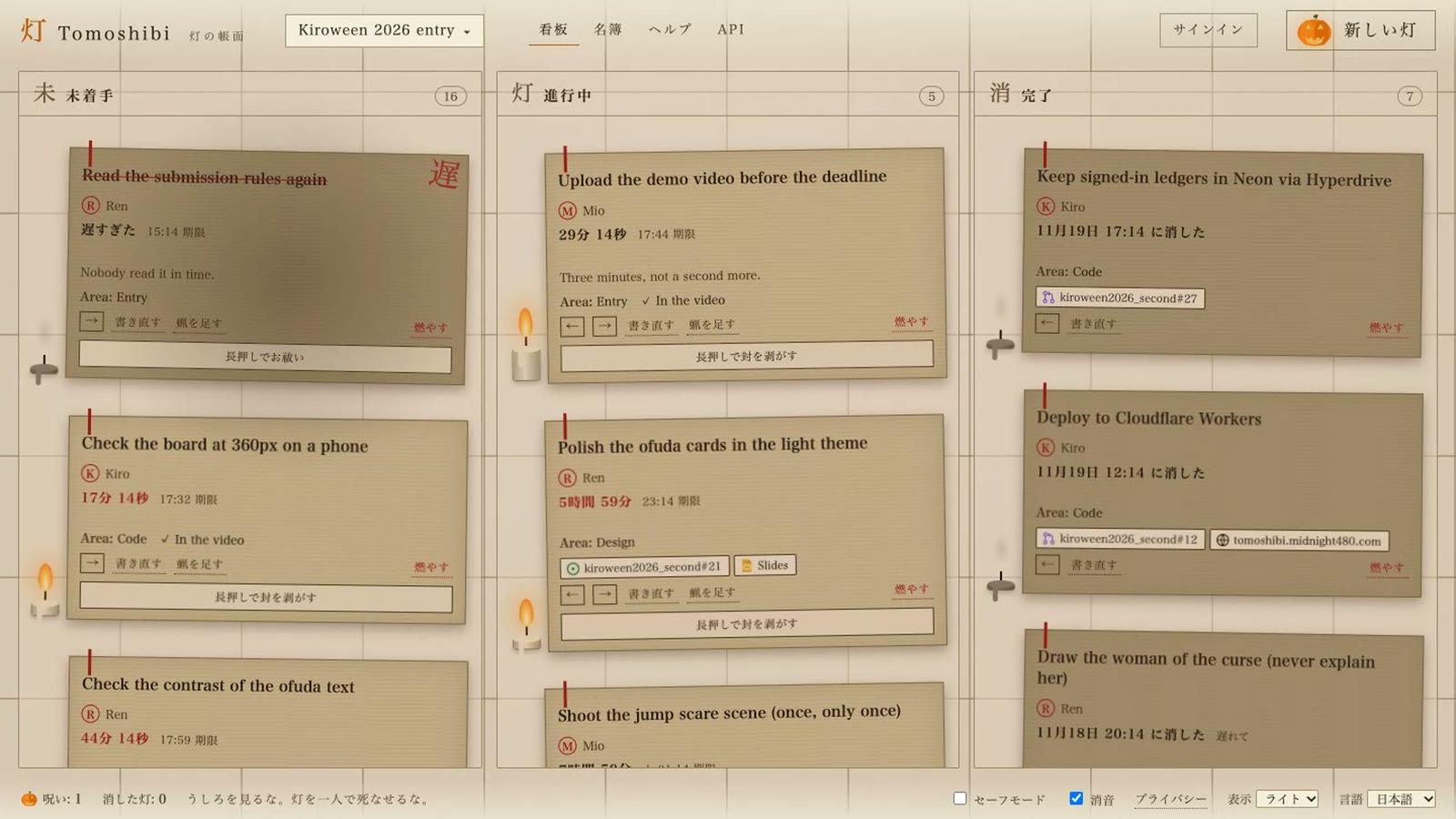
It is also a normal task manager: a three-column board, drag and drop between columns, multiple projects with custom fields, a team roster with roles, links to GitHub and Google Docs, undo, keyboard shortcuts, English and Japanese, light and dark themes, and a layout that works on a 360px phone screen.
How I used Kiro
A horror UI is easy to overdo. One extra effect, one unreadable caption, and the app stops being usable. Most of my Kiro setup exists to keep that from happening.
Steering: the rules Kiro always follows
I wrote four steering files in .kiro/steering/:
-
product.md(always included): the product rules in priority order. Rule 0 is "it must work as a task manager, and effects must never break the user's data." Rule 1 is "fear must help a function." -
tech.mdandstructure.md(always included): the stack and the file map. Vite and TypeScript with no framework, all sound generated with Web Audio, no external images, and no new dependencies without asking me first. -
horror-design.md: included only when an effect file is open, usingfileMatchonsrc/{curse,presence,audio}.tsandsrc/style.css. It lists eight checks for any new effect, and it pulls in the design docs with#[[file:...]].
The fileMatch inclusion was the most useful part. When I worked on the board logic, Kiro did not carry the horror rules around. When I opened the curse code, the rules were there.
Specs: from code to requirements, and back
I used specs in two directions.
-
expiry-curse: the curse already existed in code, so I wrote the spec after the code. Writing the acceptance criteria in EARS form ("WHEN an unfinished task'sduepasses andcursedis false, THEN the system SHALL...") showed gaps. For example, the curse must wait while you are dragging a card or typing in a dialog, and it must never changedue, the title, or the done count. -
kamikakushi-404: a spec written before the code, for a 404 page based on kamikakushi ("spirited away"): one of several shadows slowly fades and does not come back. The spec includes requirements I would have forgotten, such as returning a real 404 status and showing the requested path as text, not HTML. [TODO: update when this is implemented]
Hooks: guards that run while I work
Four hooks live in .kiro/hooks/:
| Hook | When | What it asks the agent to do |
|---|---|---|
| Build check on save | A source file is saved |
Run npm run build, fix failures, and never add dependencies
|
| i18n parity |
src/i18n.ts is saved
| Make sure the English and Japanese keys match. Horror words like 遅 stay Japanese in both languages and are kept out of the dictionary. |
| Safe mode guard | An effect file is saved |
Check the eight rules of horror-design.md: Safe mode, Mute, readability in both themes, and docs
|
| Sync docs | Run by hand |
Compare the code with AGENTS.md, docs/ and .kiro/, and fix the docs to match the code, including the checkboxes in each spec's tasks.md
|
The Safe mode guard is the one I am happiest with. It turned "remember to support Safe mode" into something that happens every time I save.
Kiro CLI for the infrastructure
I used the Kiro CLI to move deployment to Cloudflare's cf CLI and to set up Neon Postgres. The app runs on Cloudflare Workers. Signed-in users' tasks are saved to Neon through Hyperdrive, with Clerk for optional sign-in and API keys. Guests keep everything in localStorage and can use every feature without an account.
Kiro as a reviewer for the demo video
The demo video is generated by a script: macOS say reads the narration, a headless browser records the live site as a guest, and ffmpeg cuts and zooms the clips. I asked Kiro to review each draft. Its notes were specific and useful:
- The curse scene was too long, so I trimmed it.
- The board scenes looked too similar, so I added close-ups of single cards.
- The opening was flat, so the video now starts on a candle in its last seconds.
- The ending showed nothing, so the video now finishes a task with Safe mode on, to show that the ledger still works.
What I learned
- Constraints make horror better. "Only one jump scare" forced me to find quieter ideas, like the eaten wax and the counting song, and those are now my favorite parts.
-
Write the rules where the agent will read them.
fileMatchsteering and on-save hooks made the rules appear at the moment they mattered, instead of in a document nobody opens. - Specs are useful even after the code. Writing EARS criteria for an existing feature found edge cases I had not handled.
Try it
Open https://tomoshibi.midnight480.com and press Light the candle. It works as a guest, with no sign-up. If horror is not for you, check Safe mode on the first screen.
And please: do not let a candle die alone.
This post was written for the Kiroween 2026 hackathon. #kiroween